Export Dataset
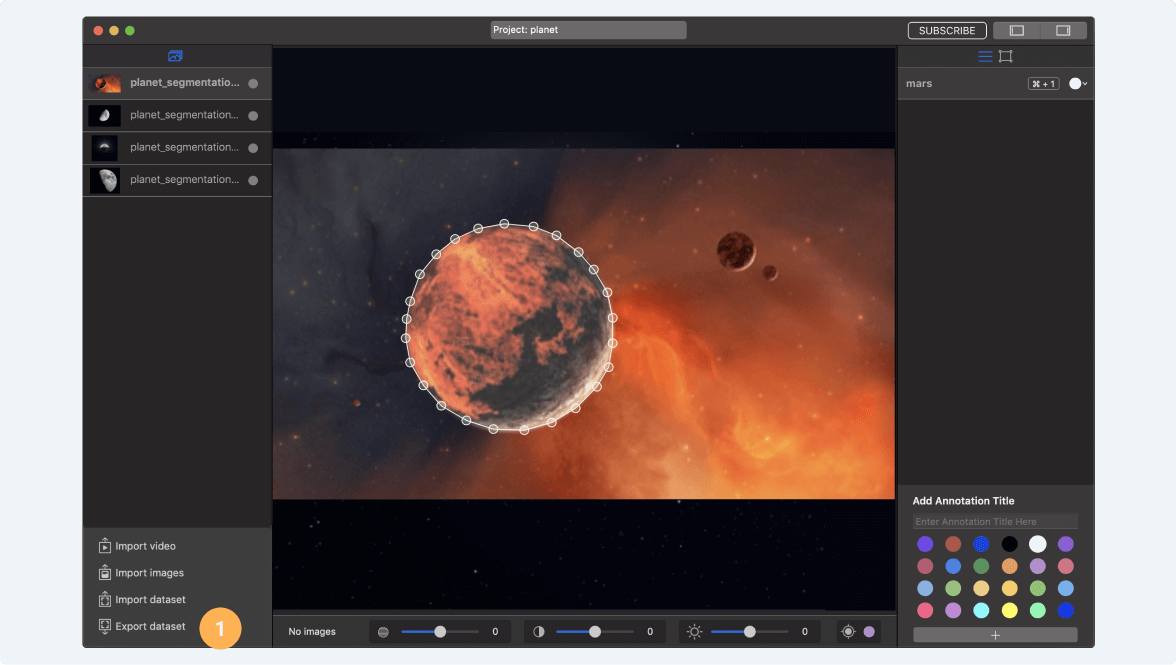
- Press the “Export Dataset” button.
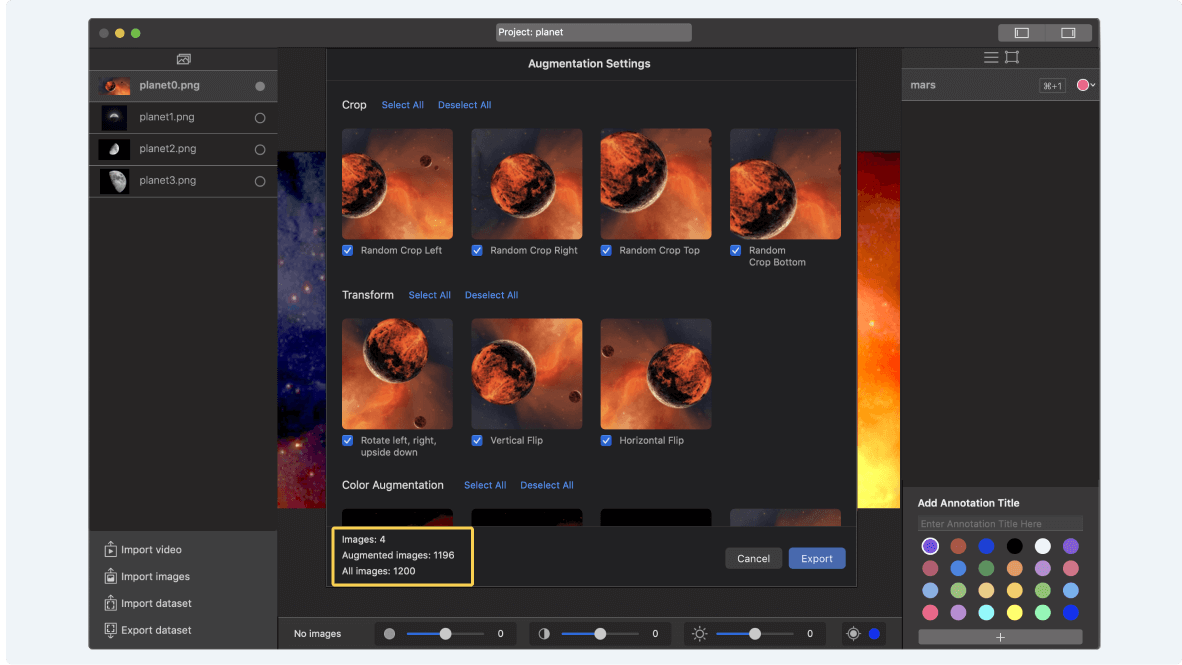
- You can improve quality and size of your dataset by using built-in augmentation capability. Basically augmentation transforms and change colors of original dataset images, and during model training it will give new features for the model.
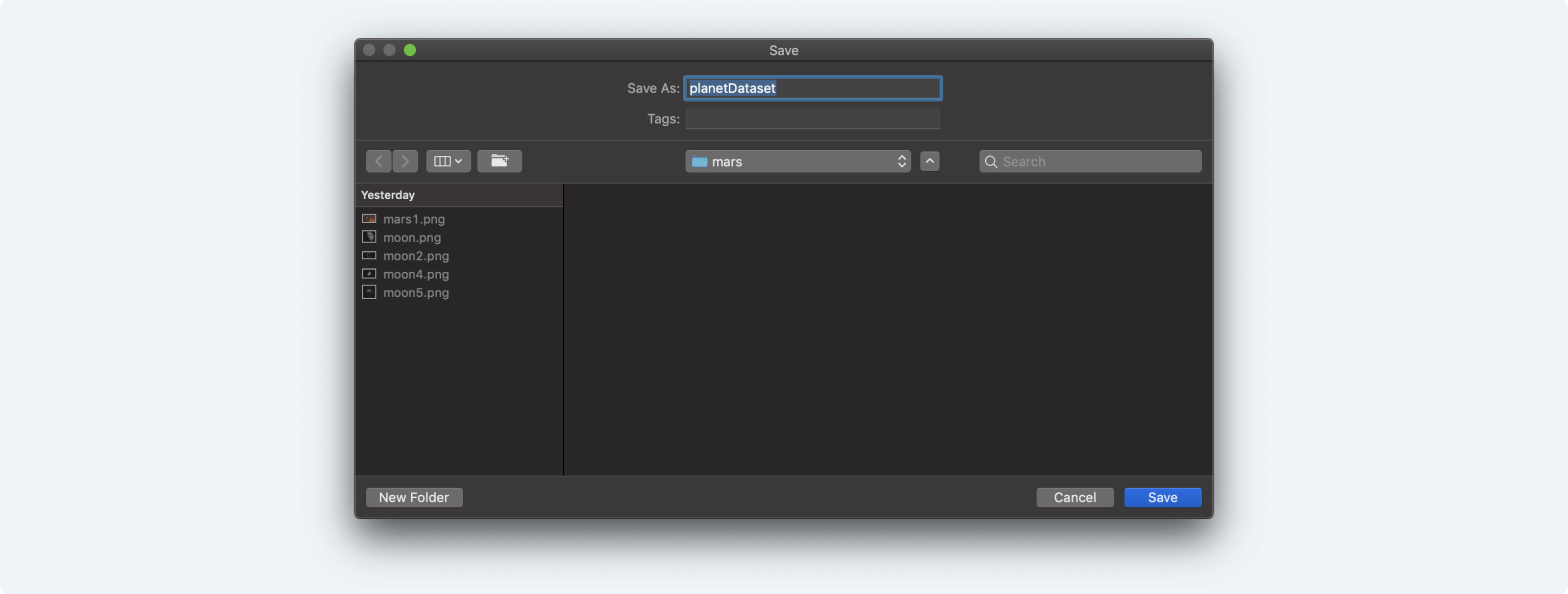
- Select a path where you want to save your dataset.
- After dataset will be exported, you will receive 2 folders - 1 with original images, and second with annotation masks for training.